05
hardware · industrial design

DAS home security

A DIY security system for Honeywell — a hub that connects security devices to a secure network, with nearly identical indoor and outdoor cameras designed around effortless installation.

brandHoneywell
roleSenior UX Designer, Industrial Design
launched2018, North America
scroll

kick off

Three products, one family

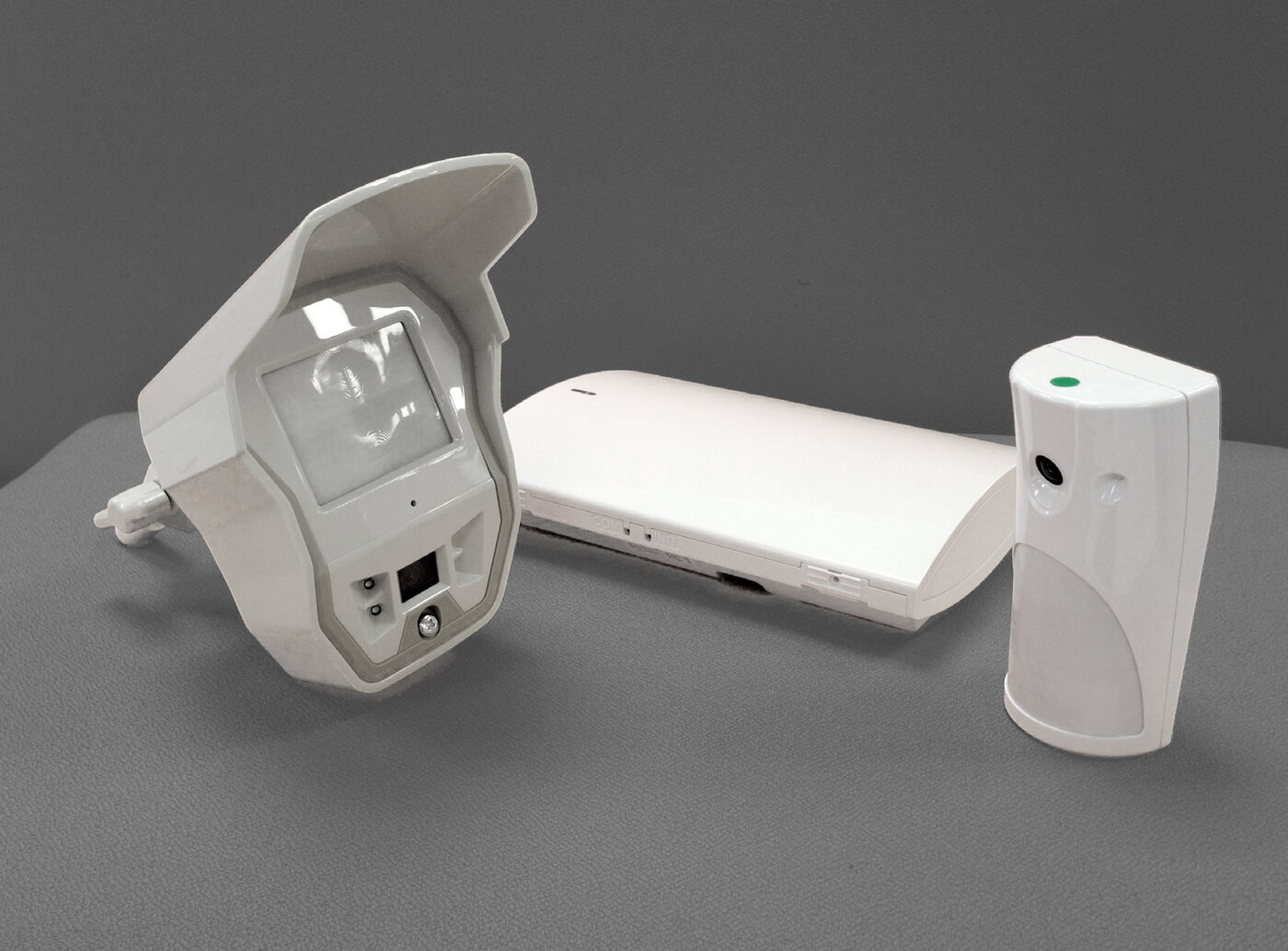
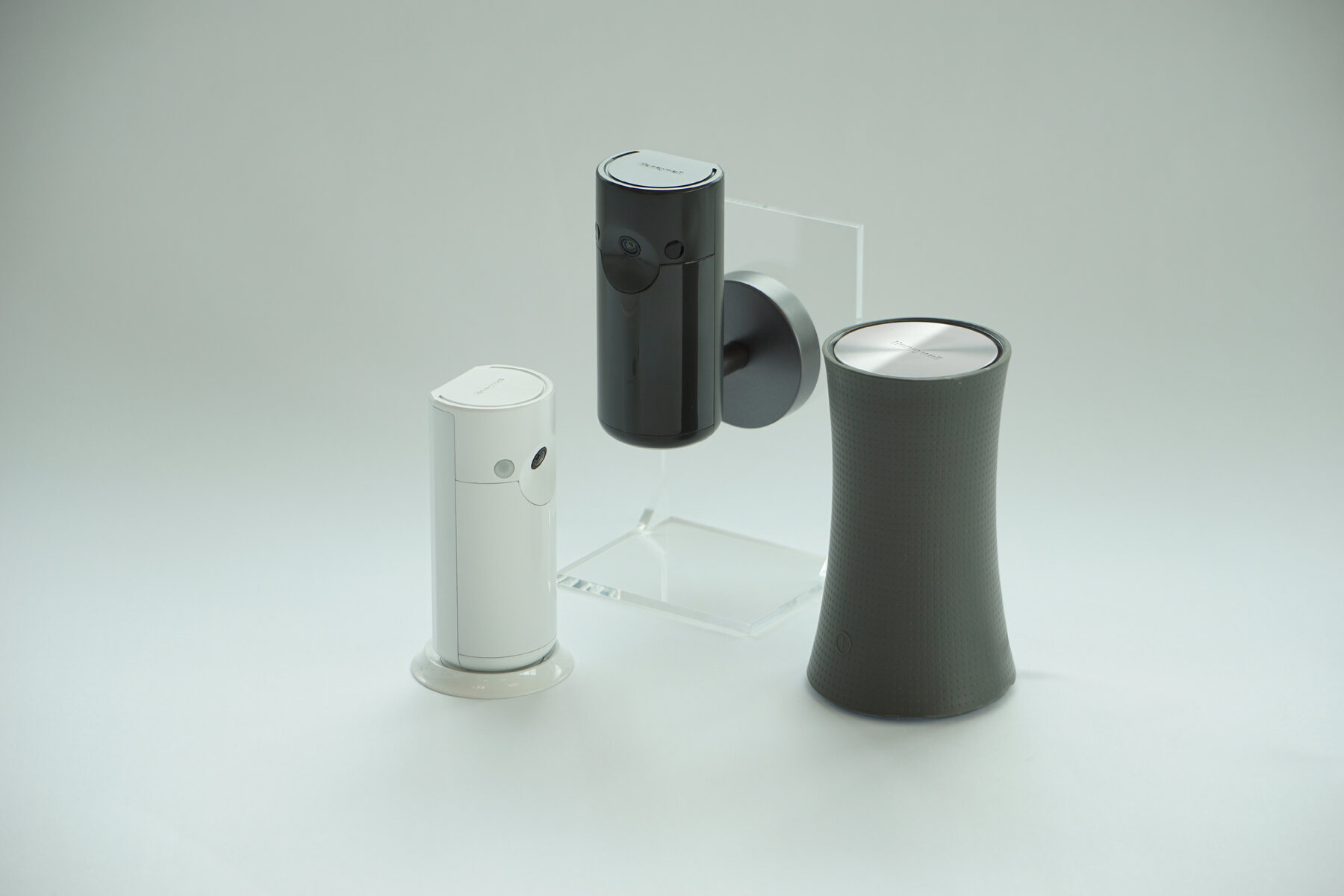
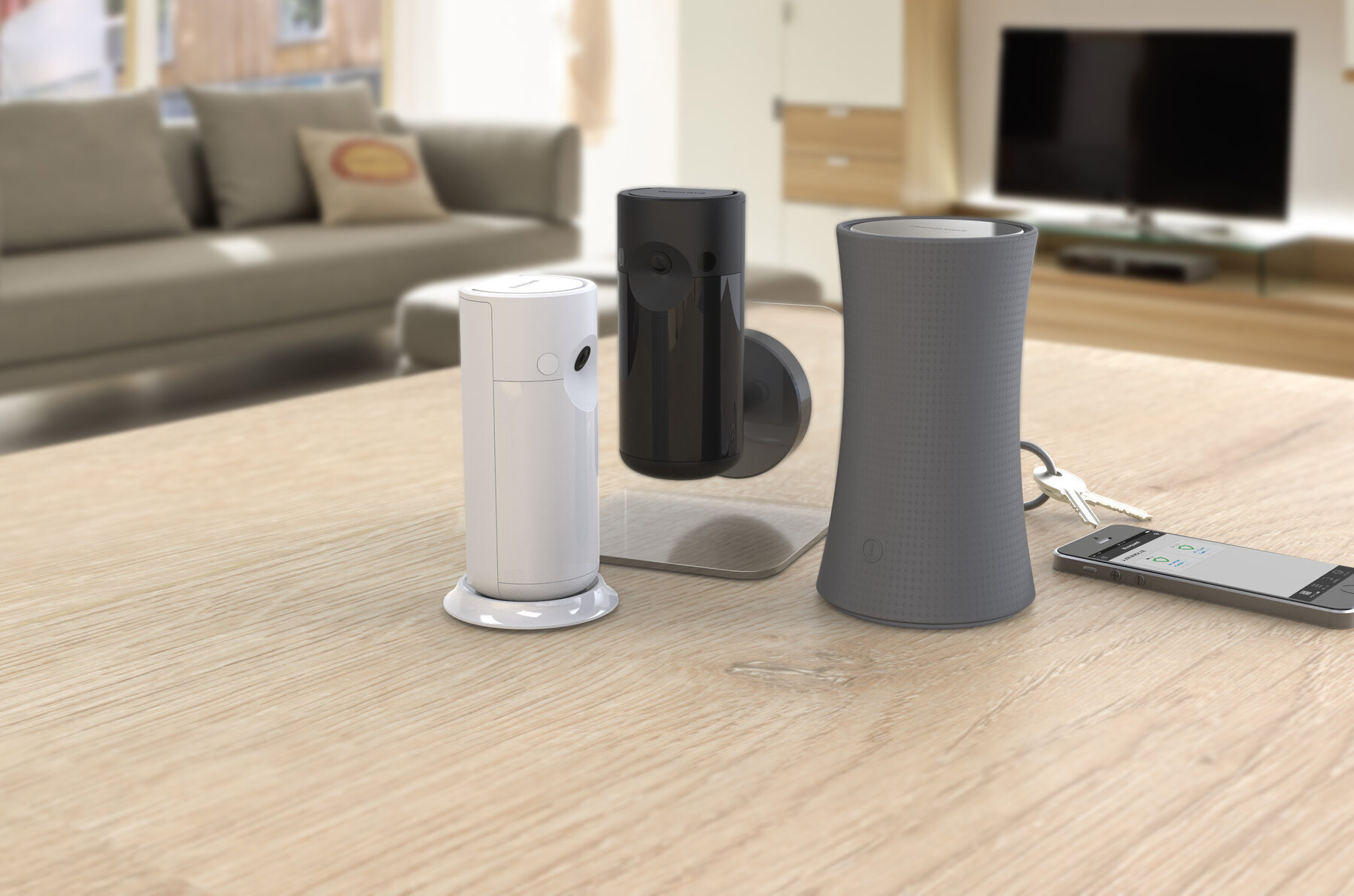
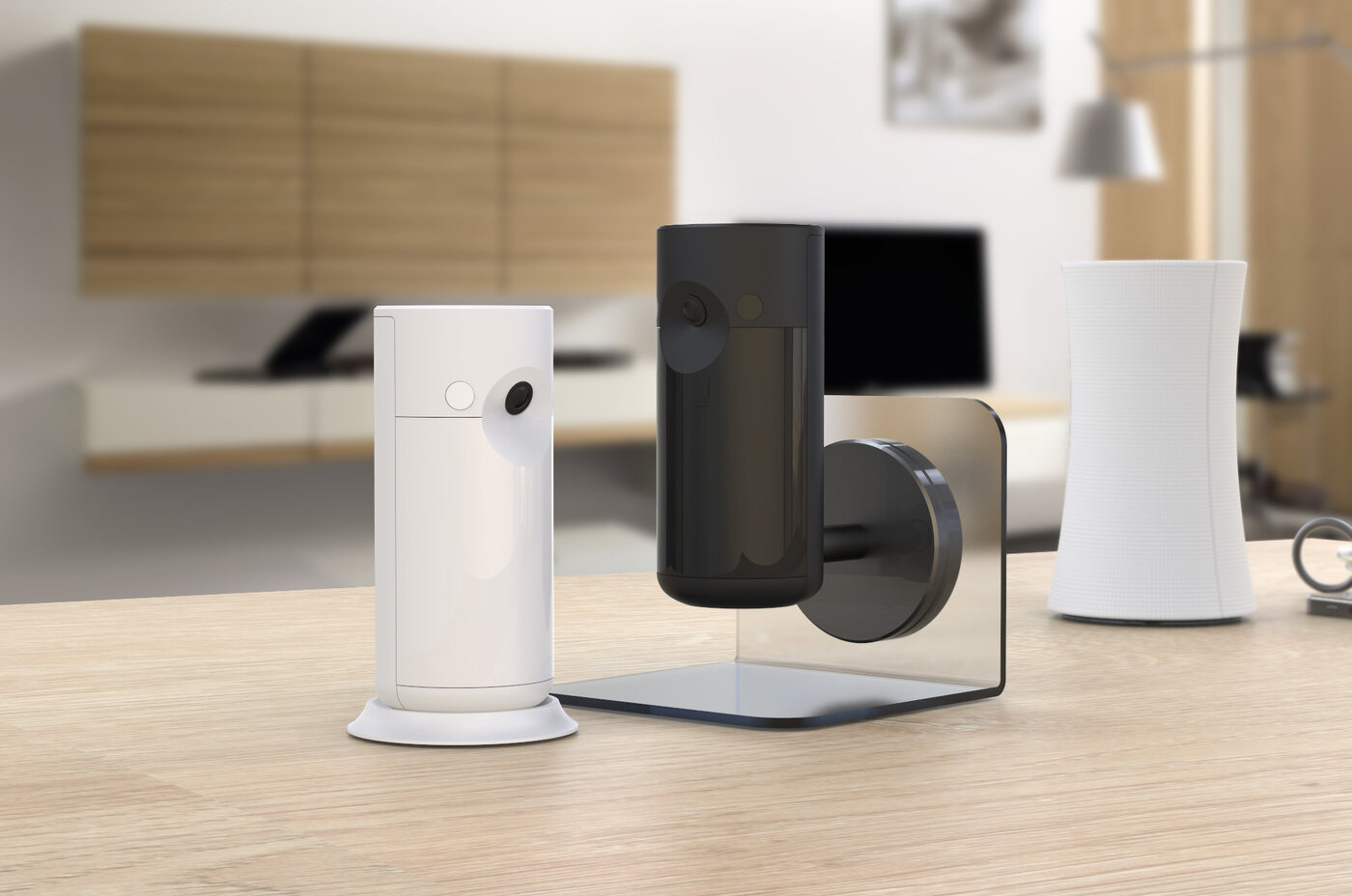
The project consists of three products: a hub that connects security devices to a secure network via the internet, an outdoor camera, and an indoor camera that both connect to the hub. To ensure good design alignment, we made the indoor and outdoor cameras nearly identical in appearance, relying only on colour to differentiate between them.

We explored numerous design trends — "top-heavy texture break, layer, chrome metallic, squircle to circle" and "less is more: natural, geometric, precise" — and meticulously evaluated each before deciding on four specific design directions to pursue, taking into account form factors based on the estimated mechanical layout stacking.

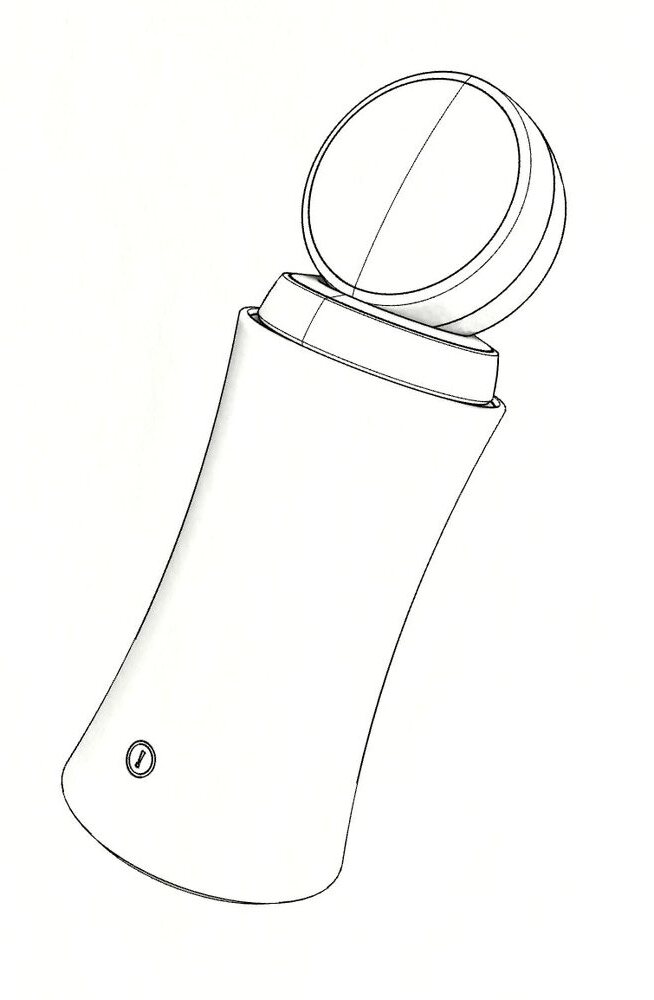
Installation and maintenance are the main pain points of DIY security systems. That's why we spent time designing and prototyping to arrive at the best possible solution. Another concern was that the DAS system needed to work with a Honeywell security camera: we were asked to allow the Lyric Camera-2 to dock on top of the DAS hub, with its power cable coming through while integrating seamlessly with the system.
design workshop

From post-its to principles

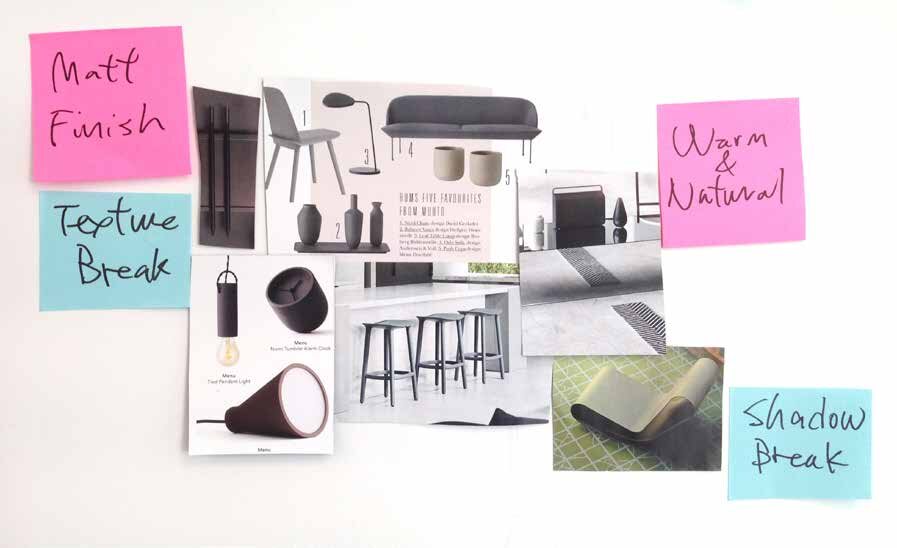
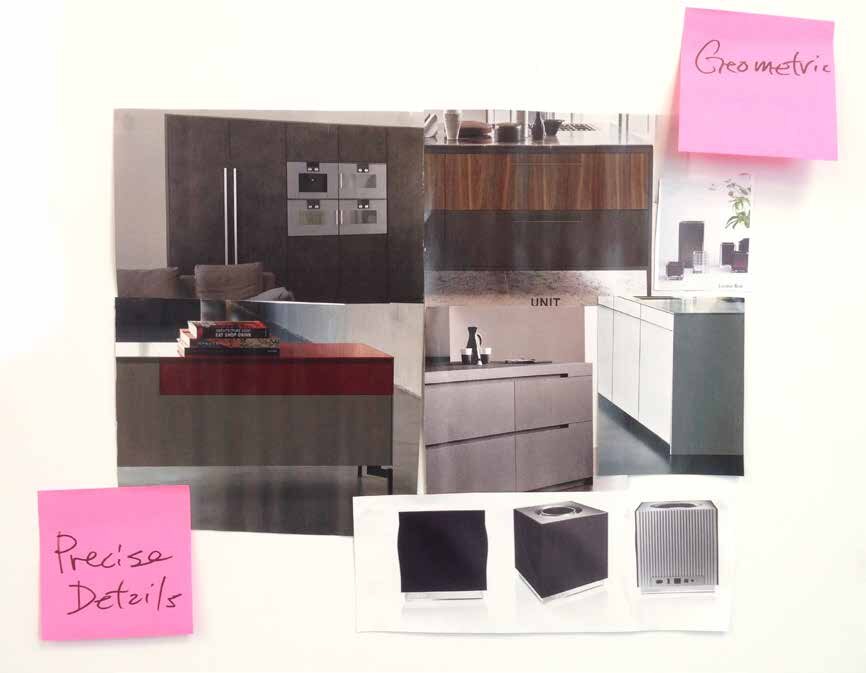
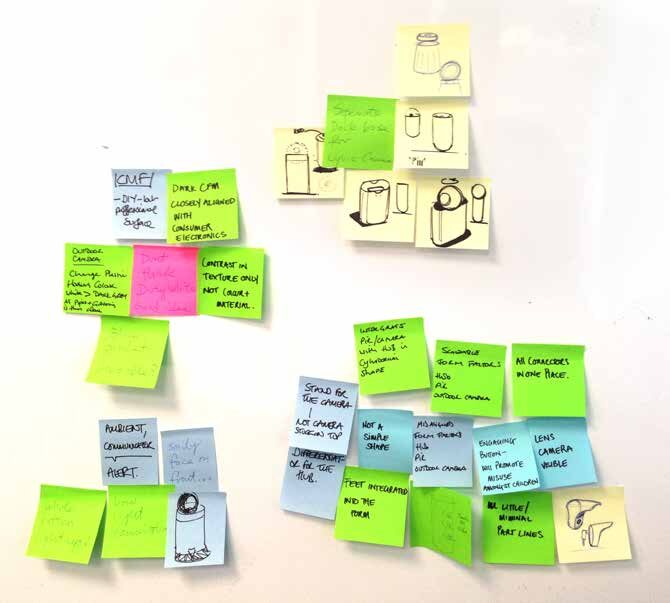
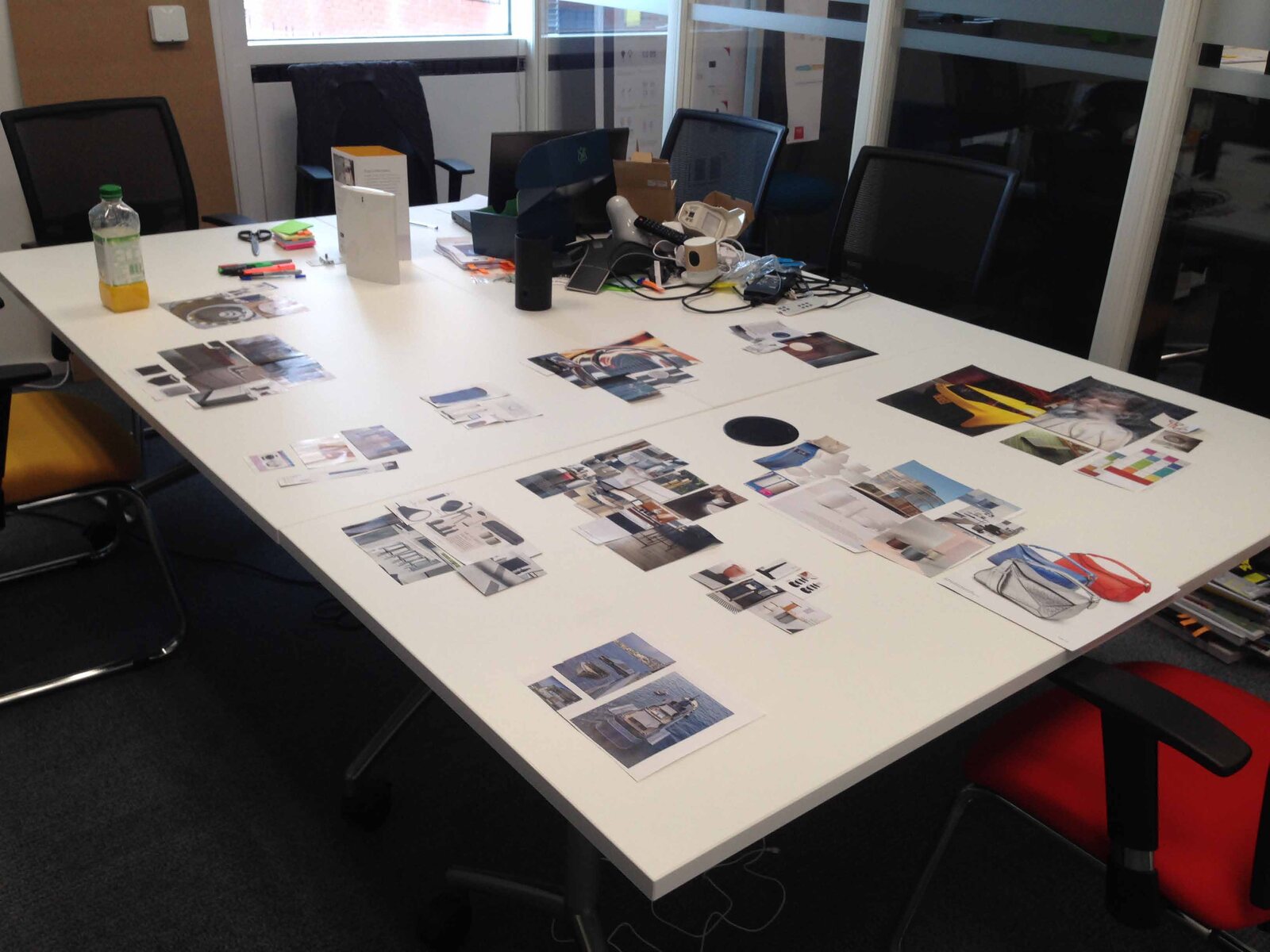
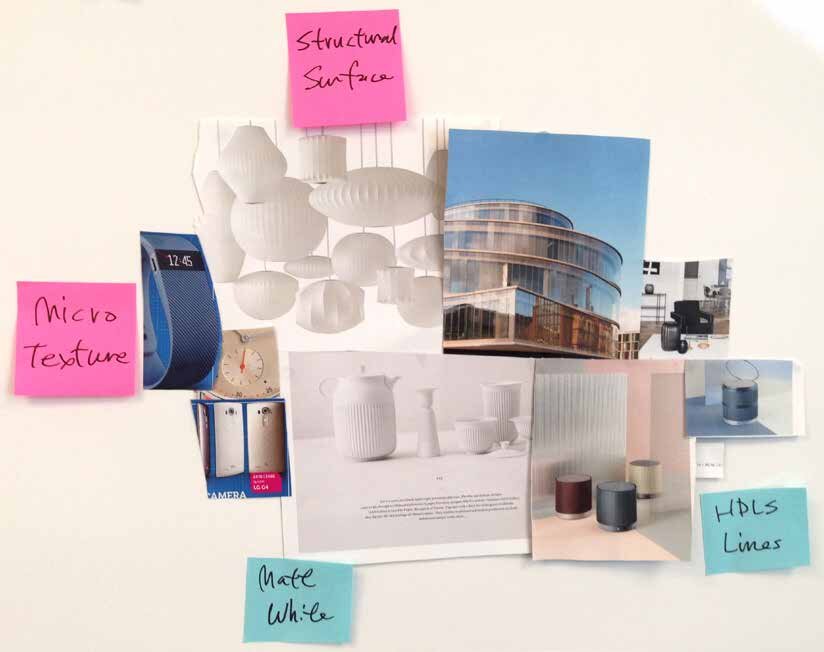
It began with a two-hour design workshop. We unpacked the brief and the project team's requirements, reviewed competitors' products, and mined the latest trends for possible design elements — clustering everything into mood boards on the studio wall. Three directions emerged that would define DAS: structural surfaces with micro texture, matt, warm & natural finishes, and geometric forms with precise details.

Design workshop — competitor and trend review spread across the studio table
The two-hour workshop — competitor teardown and trend review on the studio table
Mood board — structural surface and micro texture
1st design element — structural surface + micro texture
Mood board — matt finish, warm and natural
2nd design element — matt finish + warm & natural
Mood board — geometric with precise details
3rd design element — geometric + precise details
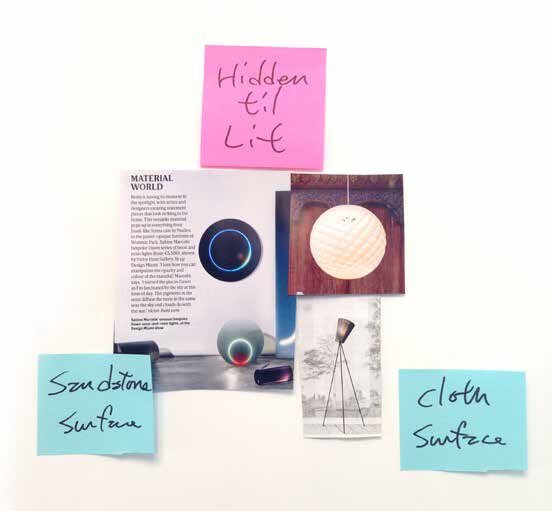
Mood board — interface hidden until lit
Interface thinking — hidden until lit, sandstone & cloth surfaces
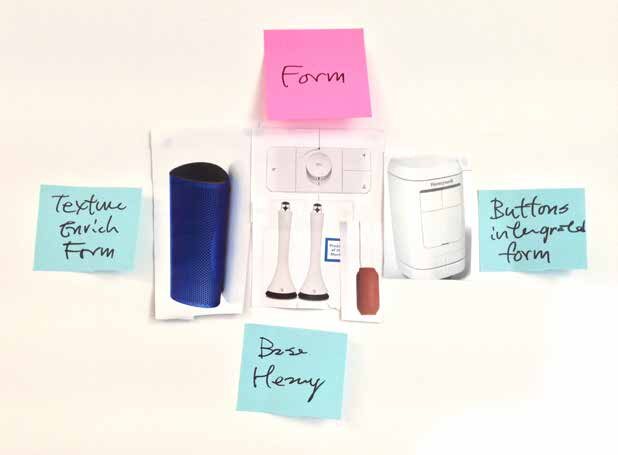
Mood board — form studies
Form thinking — texture-enriched form, buttons integrated, base heavy
Post-it notes and thumbnail sketches from the workshop
First thumbnail sketches and CMF notes from the session

models & prototypes

Making it real

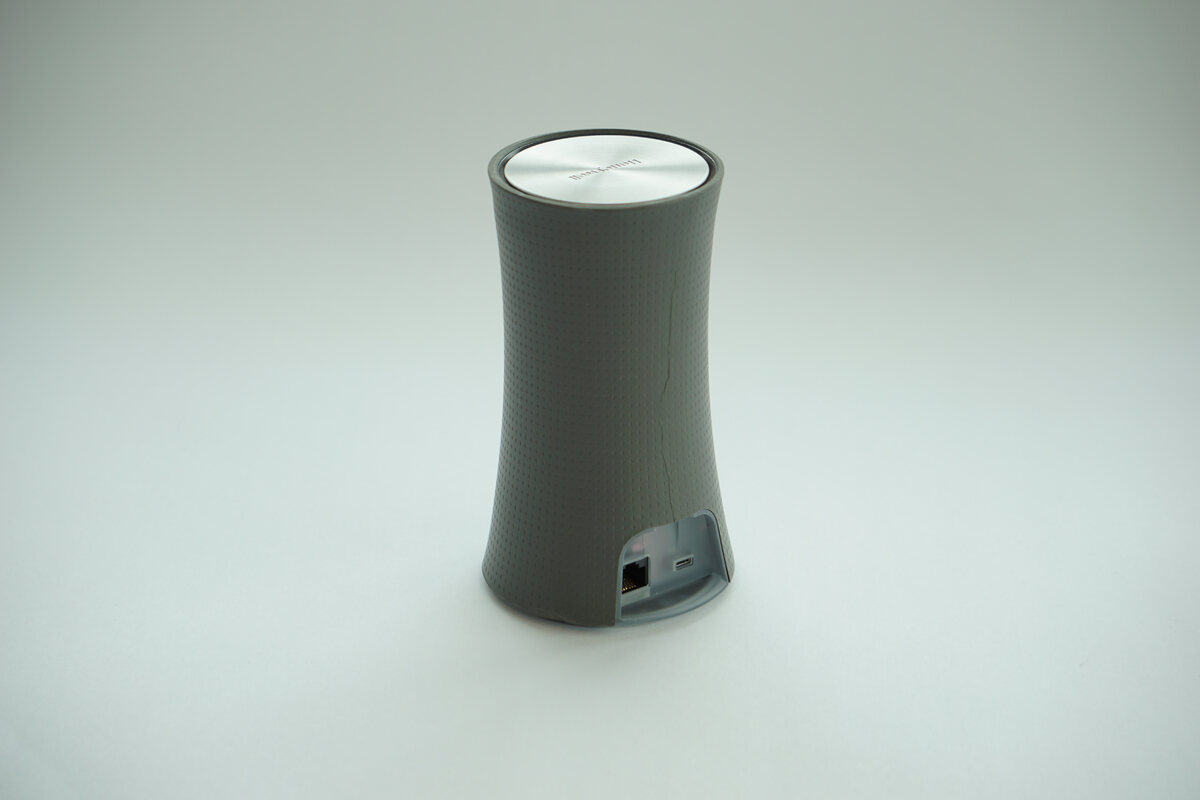
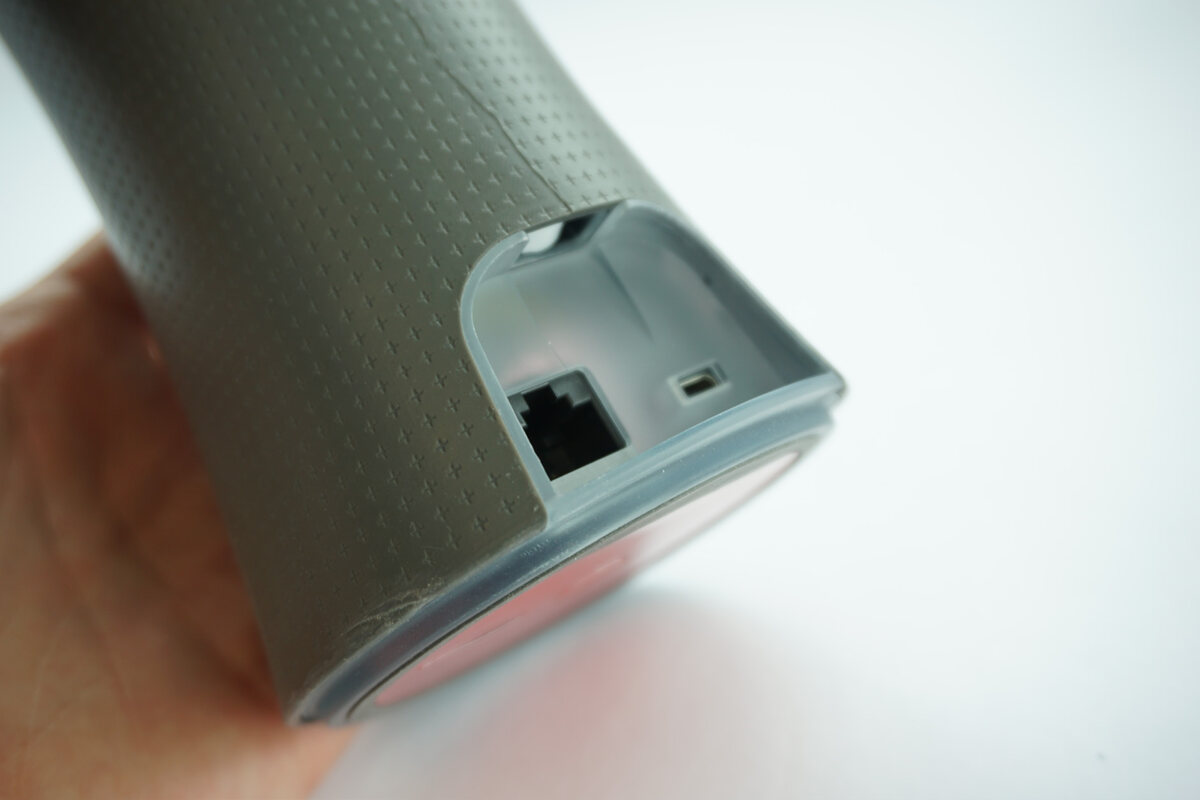
The electronics were inherited from an existing platform, so the new industrial design had to house those components within a tightly selected proportion — roughly a coke can. We sketched, printed and modelled our way from rough working mock-ups to refined appearance models: connectors hidden in the base, the Lyric camera docking through the metal top cover, and every detail tuned so one hand is enough to open a camera for maintenance.

The first working models — hub, indoor and outdoor cameras
The very first working models — hub, outdoor and indoor camera
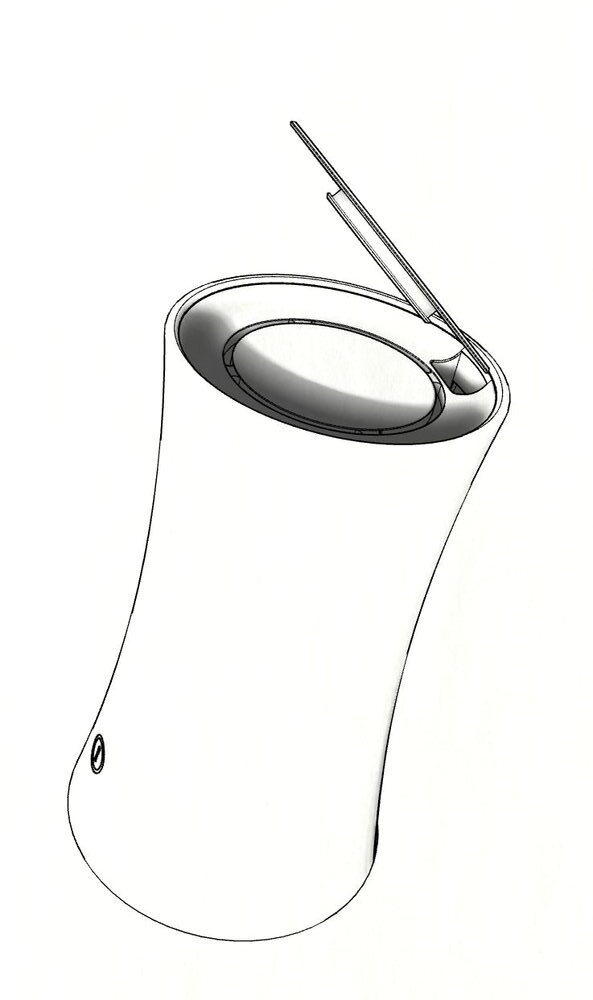
Concept sketch — DAS hub with Lyric camera
Concept sketch — docking the Lyric camera on the hub
Concept sketch — camera cable through the metal top cover
Concept sketch — power cable routed through the metal top cover
DAS hub appearance model
Hub appearance model — soft-touch housing, micro texture
DAS hub appearance model — connectors in the base
RJ45 and micro-USB tucked invisibly into the base
Outdoor camera appearance model close-up
Outdoor camera — appearance model detail
Indoor camera appearance model close-up
Indoor camera — appearance model detail
DAS Lite family appearance models — indoor camera, outdoor camera and hub
The finished appearance models, ready for review

final design

Soft, structural, precise

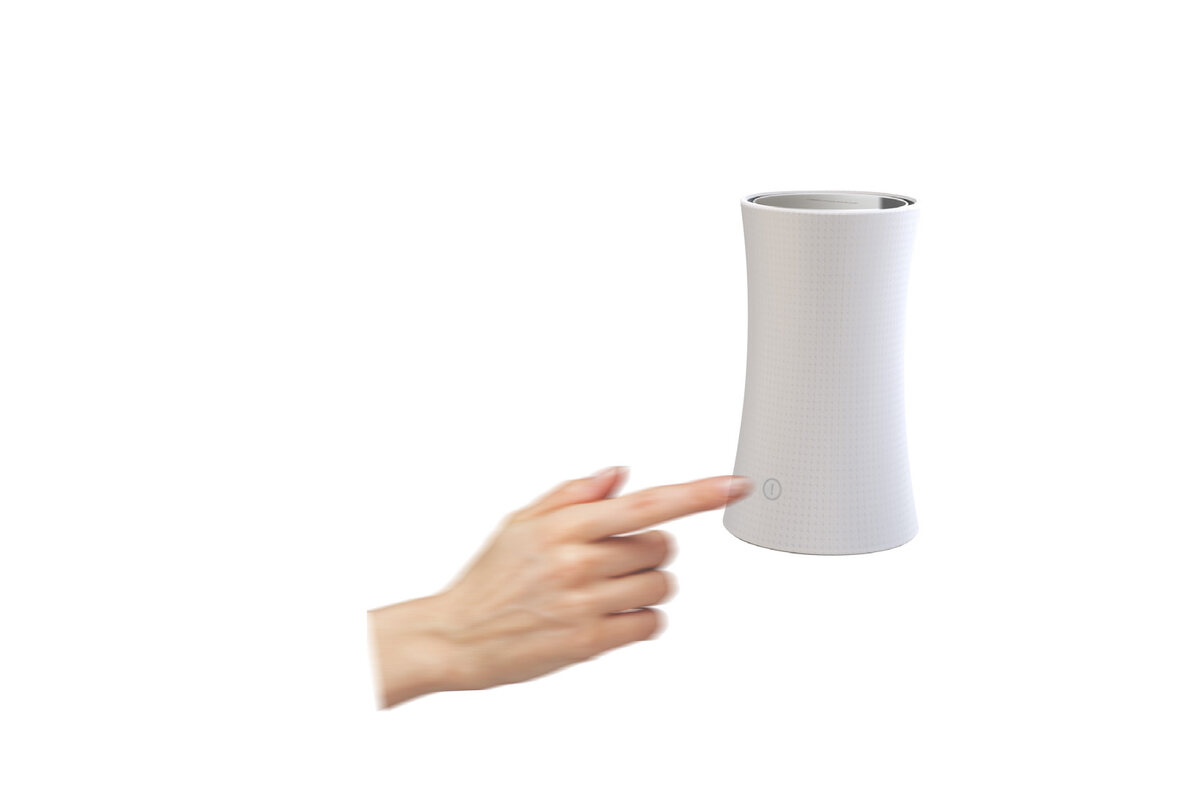
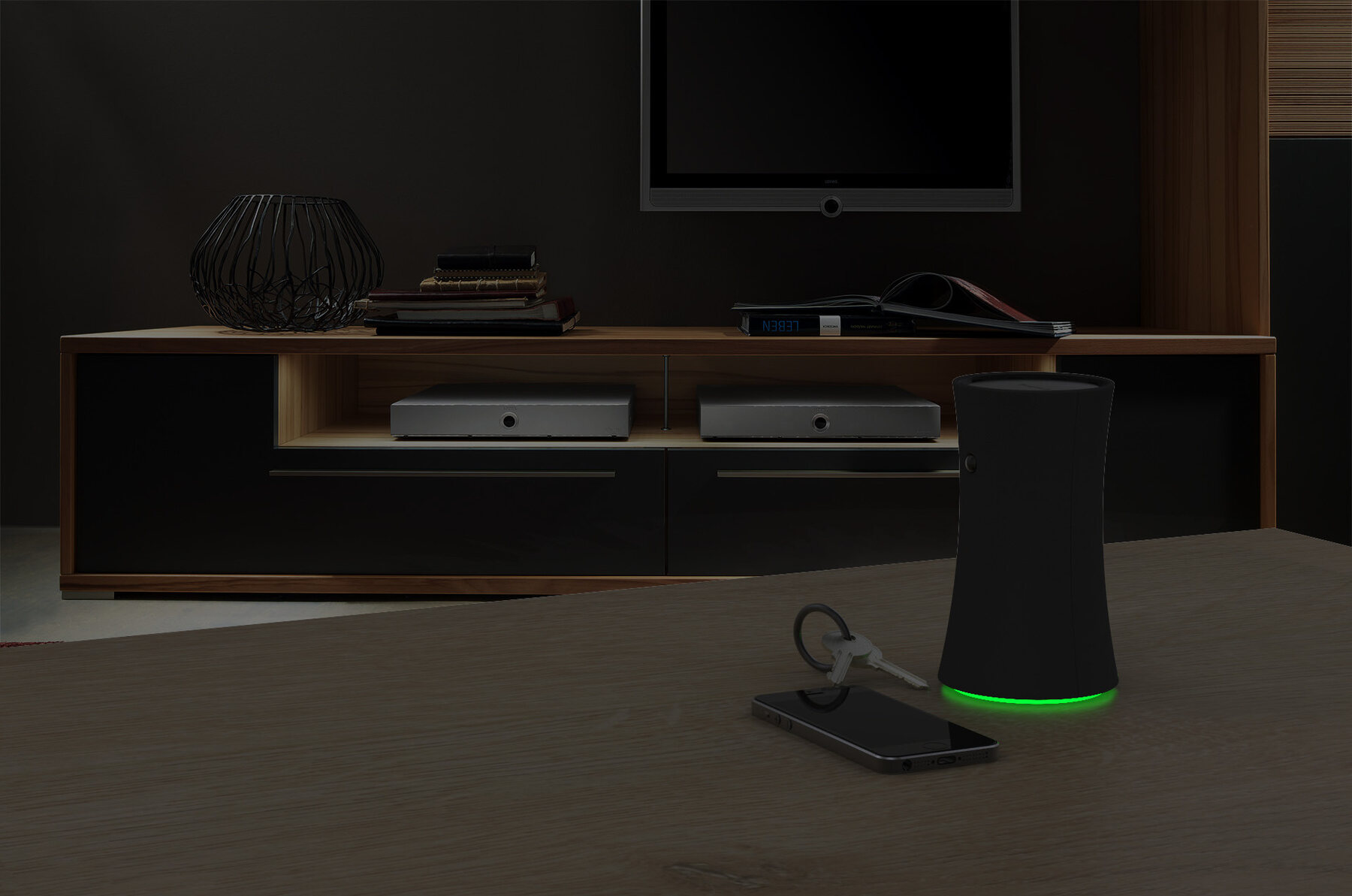
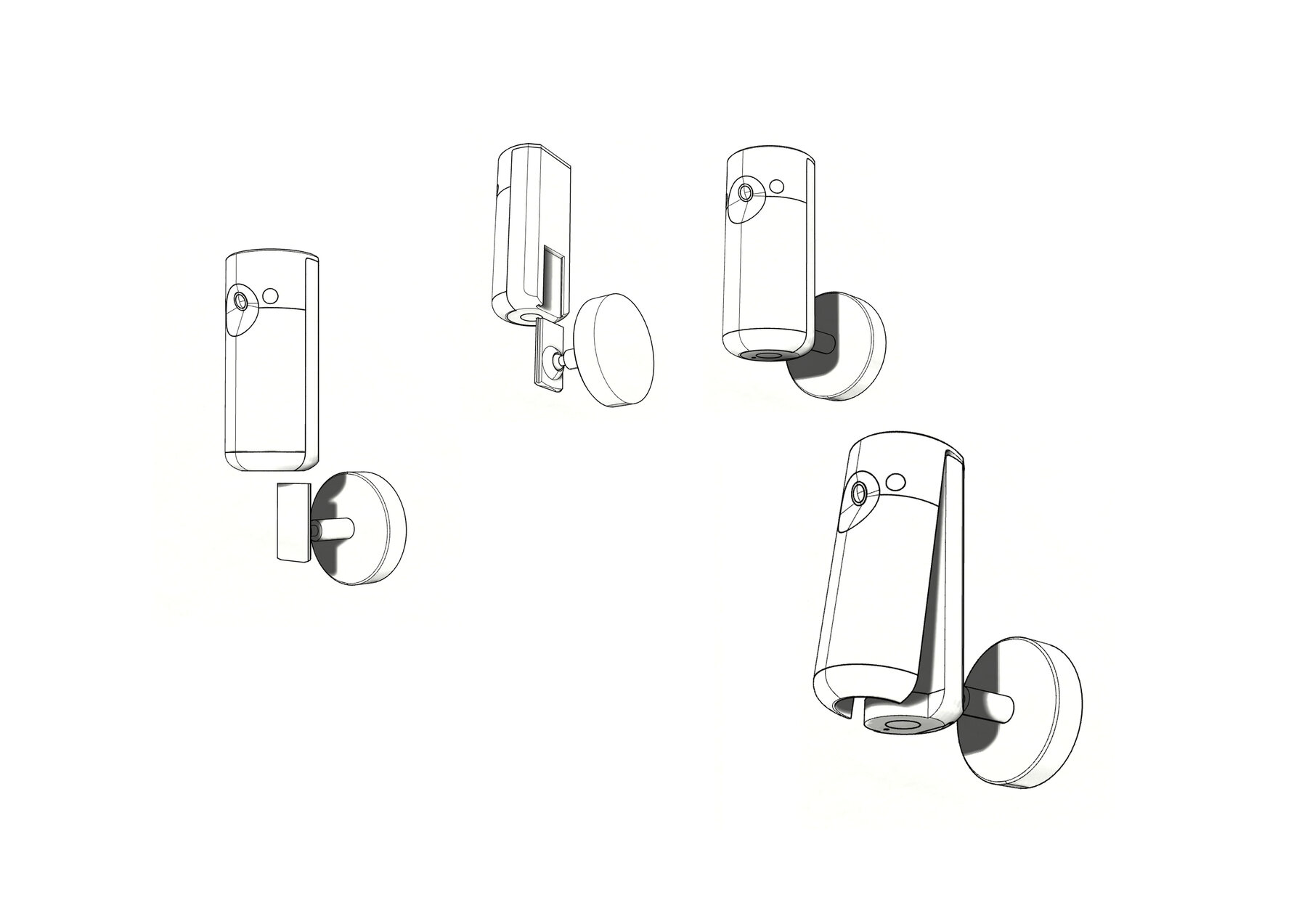
The final family is calm and domestic: a gently waisted hub wrapped in micro-textured soft-touch, and twin cameras told apart only by colour. An ambient light ring at the hub's base shows system state at a glance — off, disarmed, armed, alert — and a single stay-safe button lets kids immediately reach the trusted circle. Every camera simply slides onto its mount, no tools required.

DAS Lite family — indoor camera, outdoor camera and hub on a table
The DAS Lite family — indoor camera, outdoor camera, hub
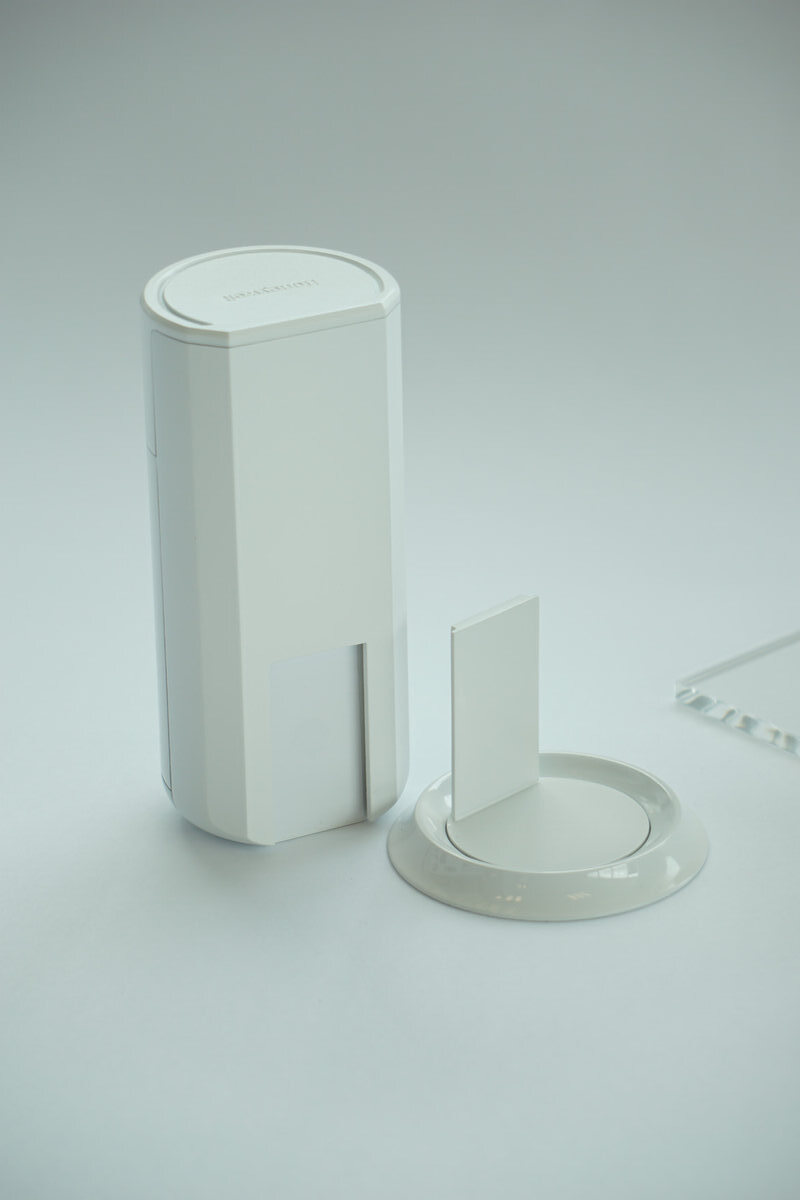
Indoor and outdoor camera design
Nearly identical twins — colour separates indoor from outdoor
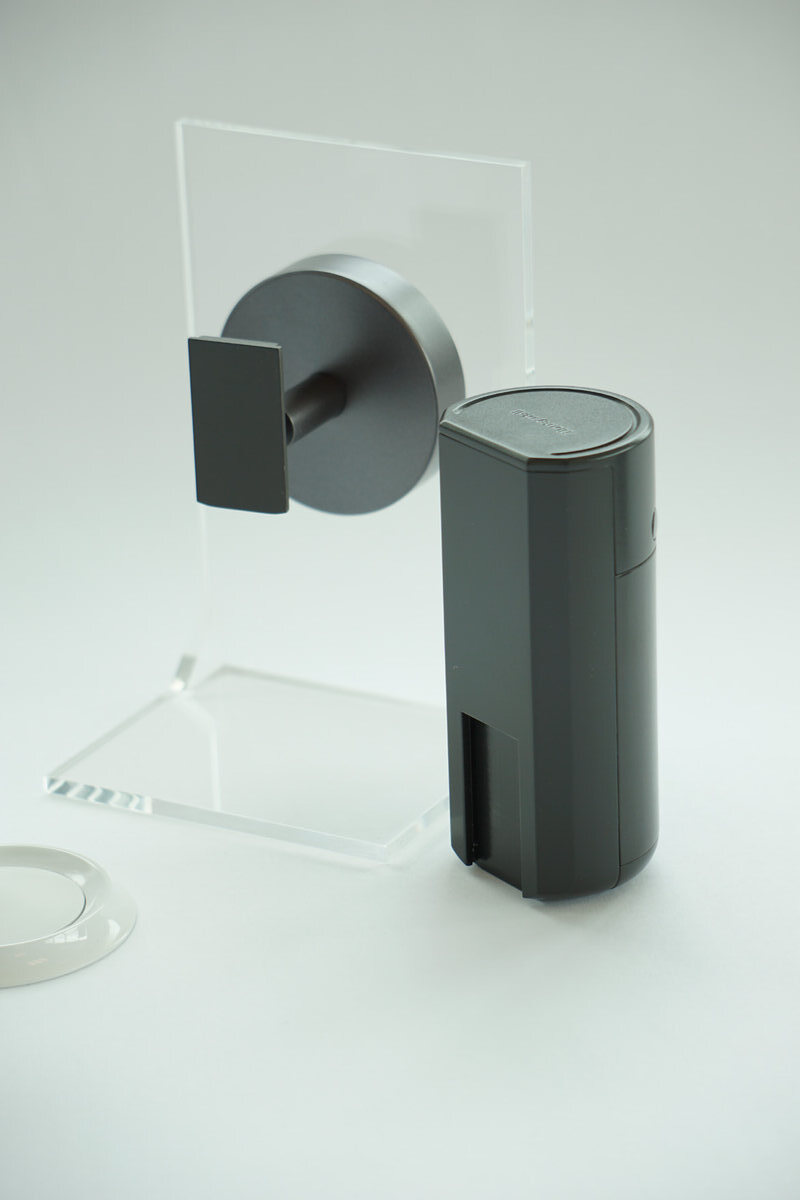
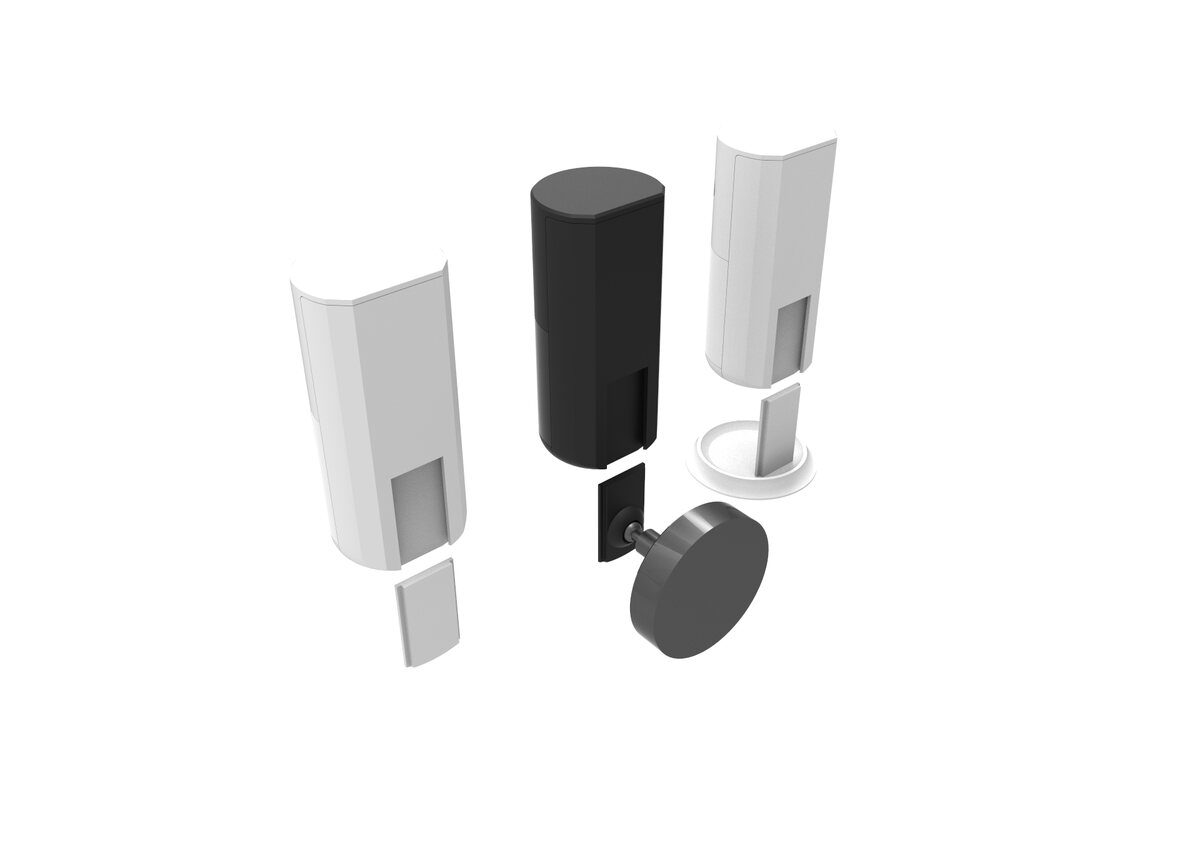
Mounting options — cameras and wall mounts
Slide-on wall mounts with hidden knock-off screw holes
Finger pressing the stay-safe button on the hub
Stay-safe button — kids can instantly contact the trusted circle
DAS hub glowing green in a dark living room
Know at a glance — the ambient ring breathes blue when disarmed, green when armed, pulses red on alert
Line drawings — how to install the DAS camera in three steps
Effortless installation — take out, place mount, slide camera on
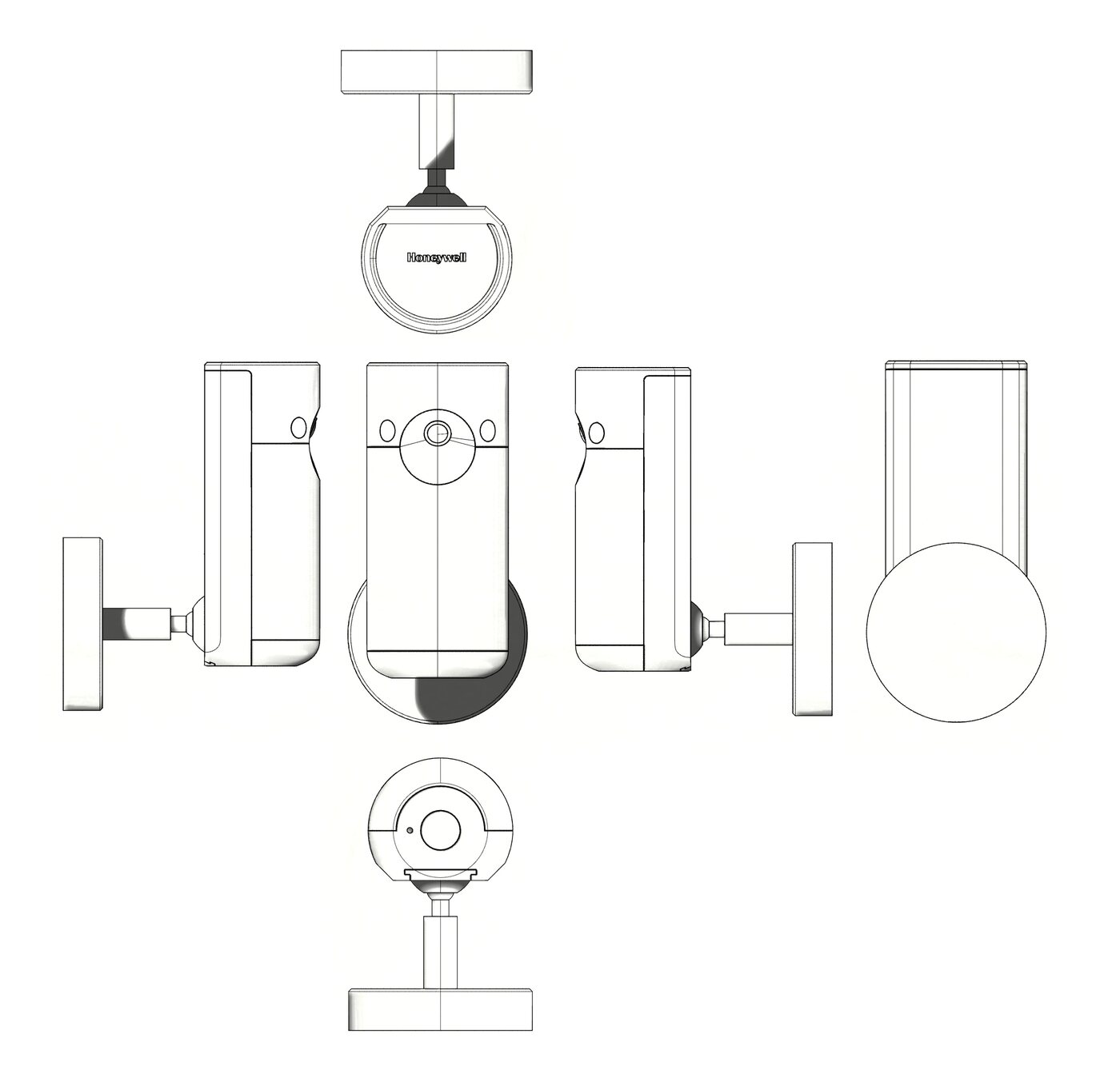
Orthographic drawings of the DAS camera
DAS camera — design definition drawings

final design direction

Launched in 2018

Prior to the final phase of preparing for tooling, Honeywell relocated the DAS DIY Awareness and Security Lite programme from the UK team to the US team. The UK team shared their knowledge with the US team, who made improvements and modifications to meet North American standards. The programme was subsequently launched in 2018.

The DAS family — hub, indoor and outdoor cameras
next project 06 — Other designs